
Starter
Ask for a quote
One café or takeaway counter.
- ✓ 1 till + receipt printer
- ✓ FBR invoicing
- ✓ Offline mode
- ✓ Daily sales reports
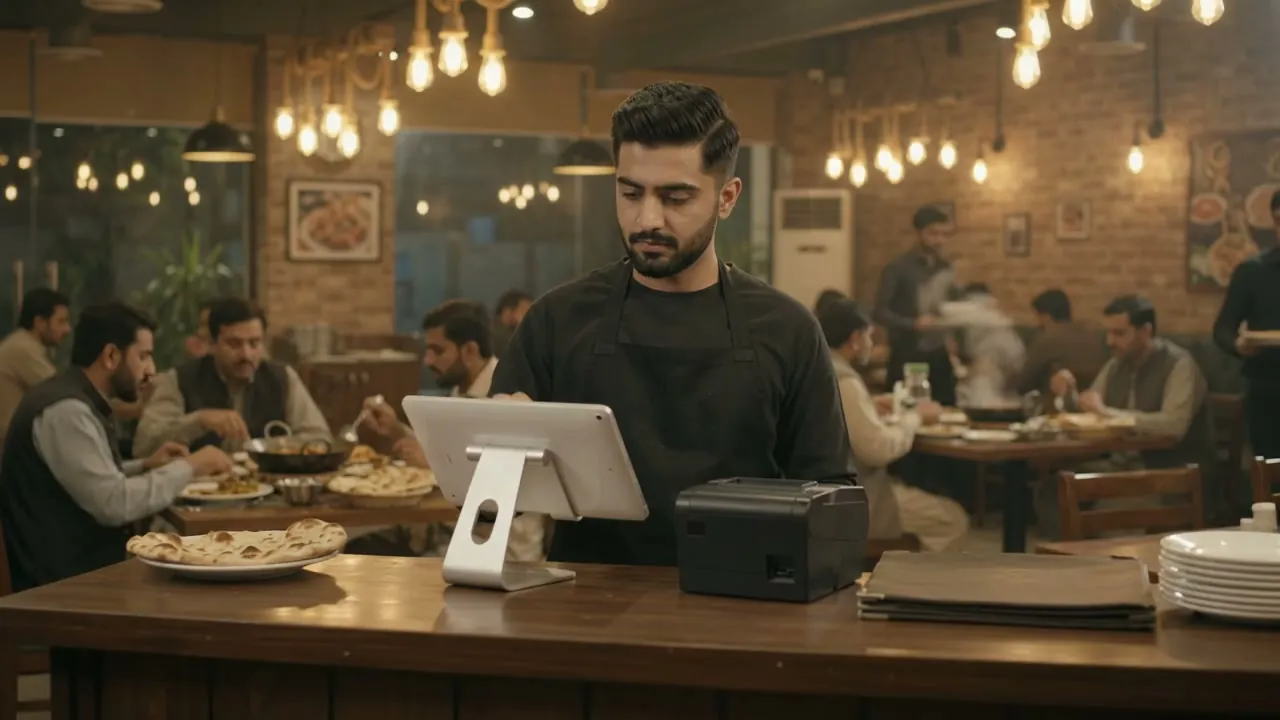
Billing, kitchen, stock and online orders in one system. An FBR invoice on every receipt, and it keeps billing when the internet or the bijli goes.
Runs on Windows PCs, laptops and tablets
Sound familiar?
✓Billing carries on offline. Every order syncs to the cloud and FBR when the connection is back.
✓Every order lands on the kitchen screen with a timer. Late tickets turn red.
✓Count the drawer at closing. Morslo shows expected cash and the difference, and prints the Z-report with who opened and closed the shift.
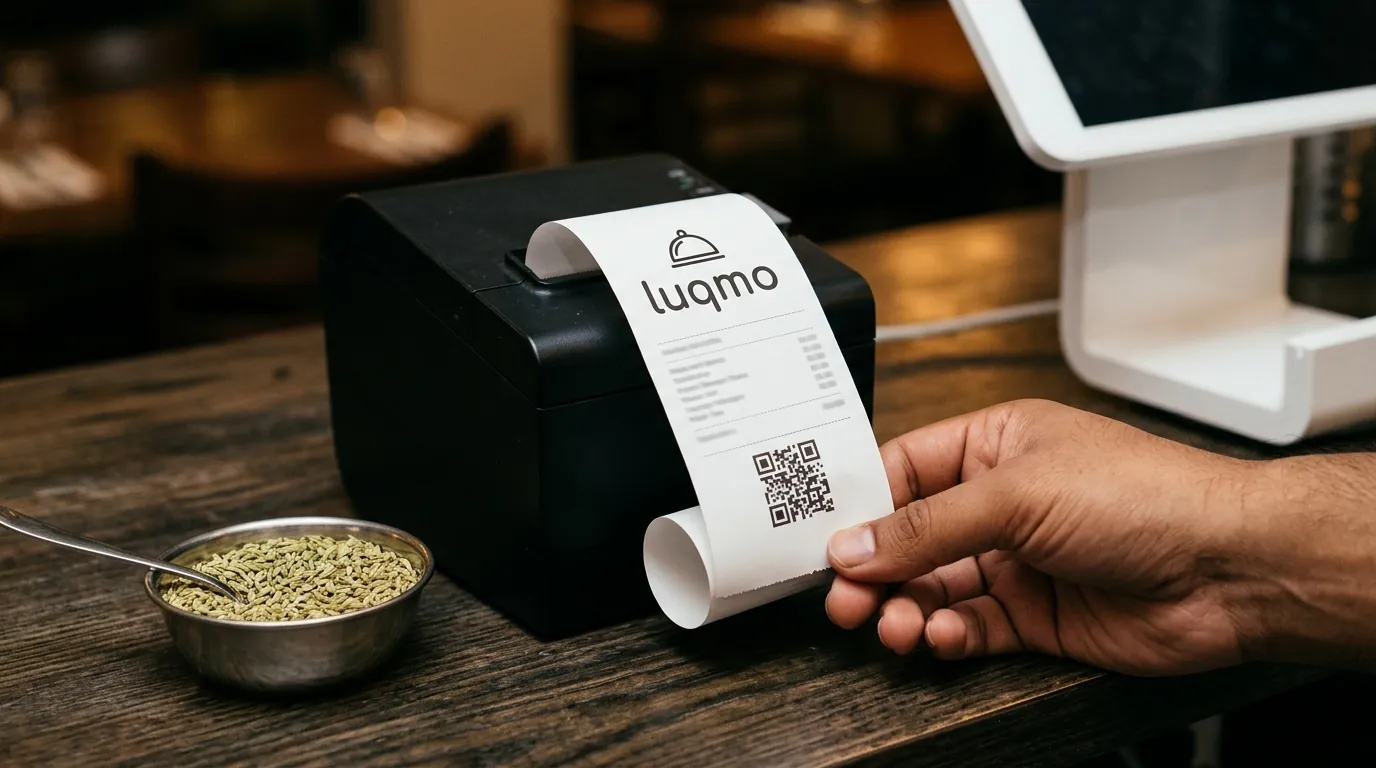
✓Each receipt is reported to FBR automatically and printed with its invoice number and QR.
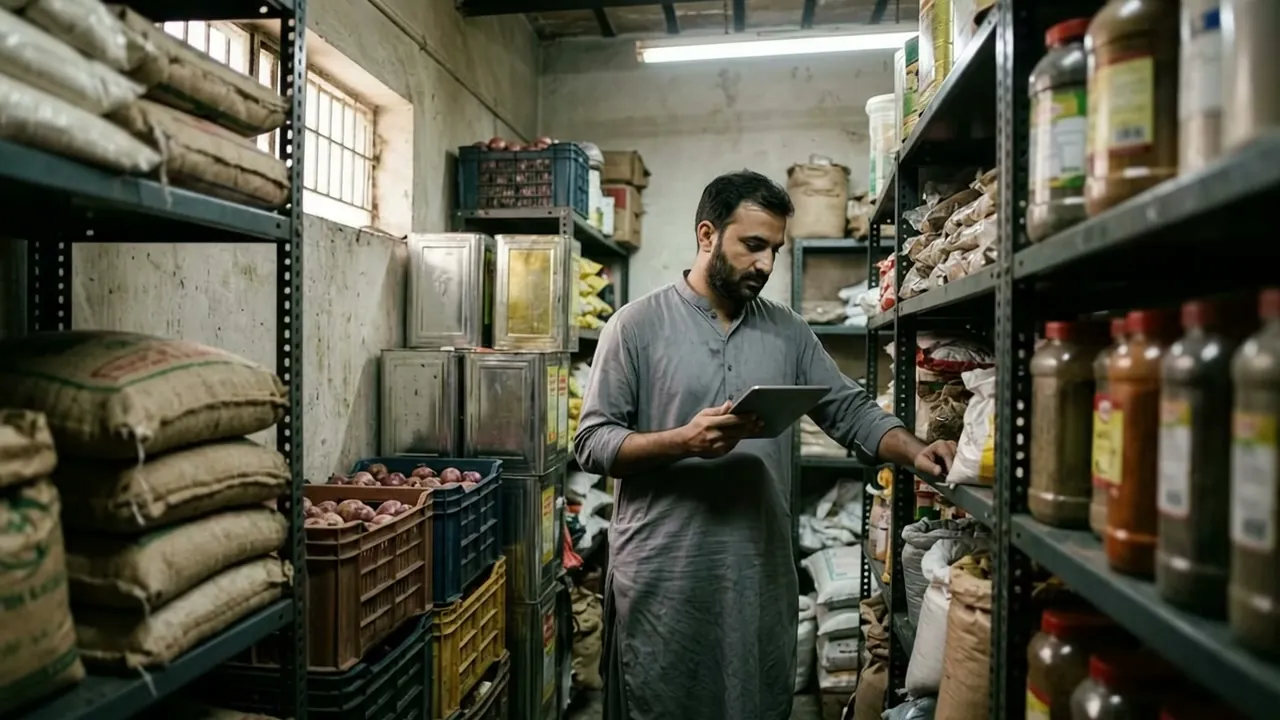
✓Stock drops by recipe with every paid order, and every till shows a low-stock alert before the rush.
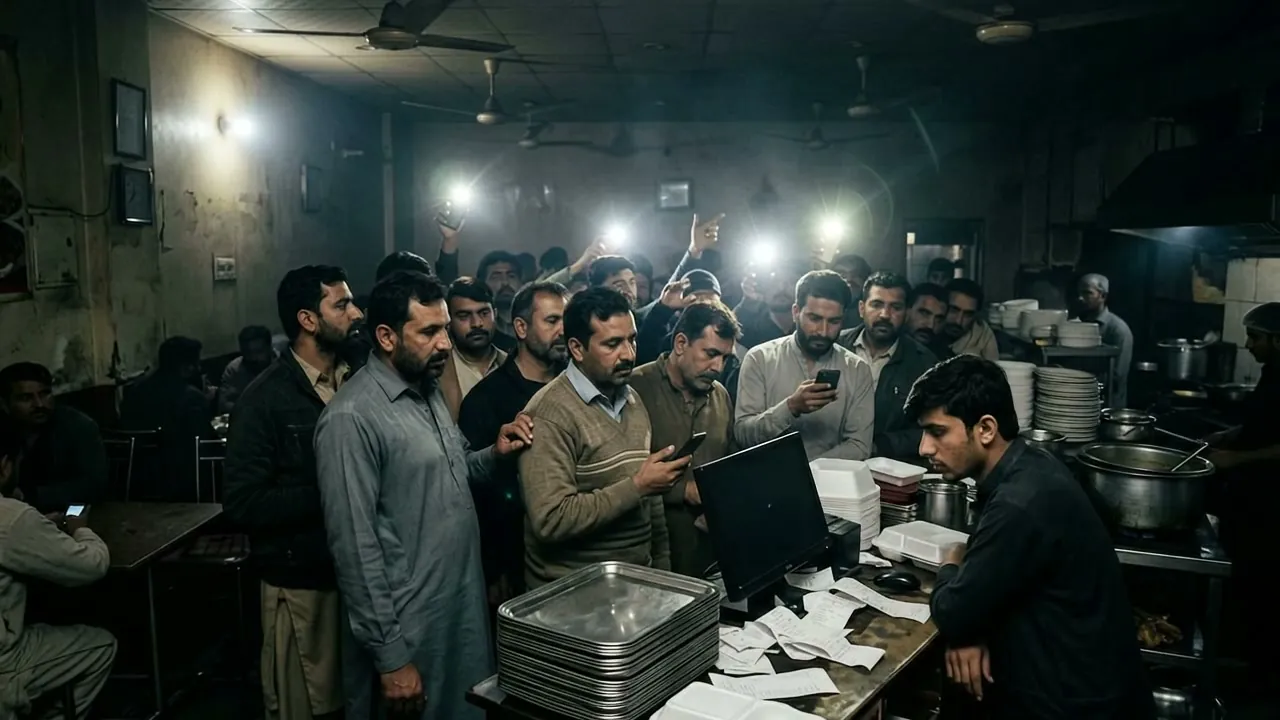
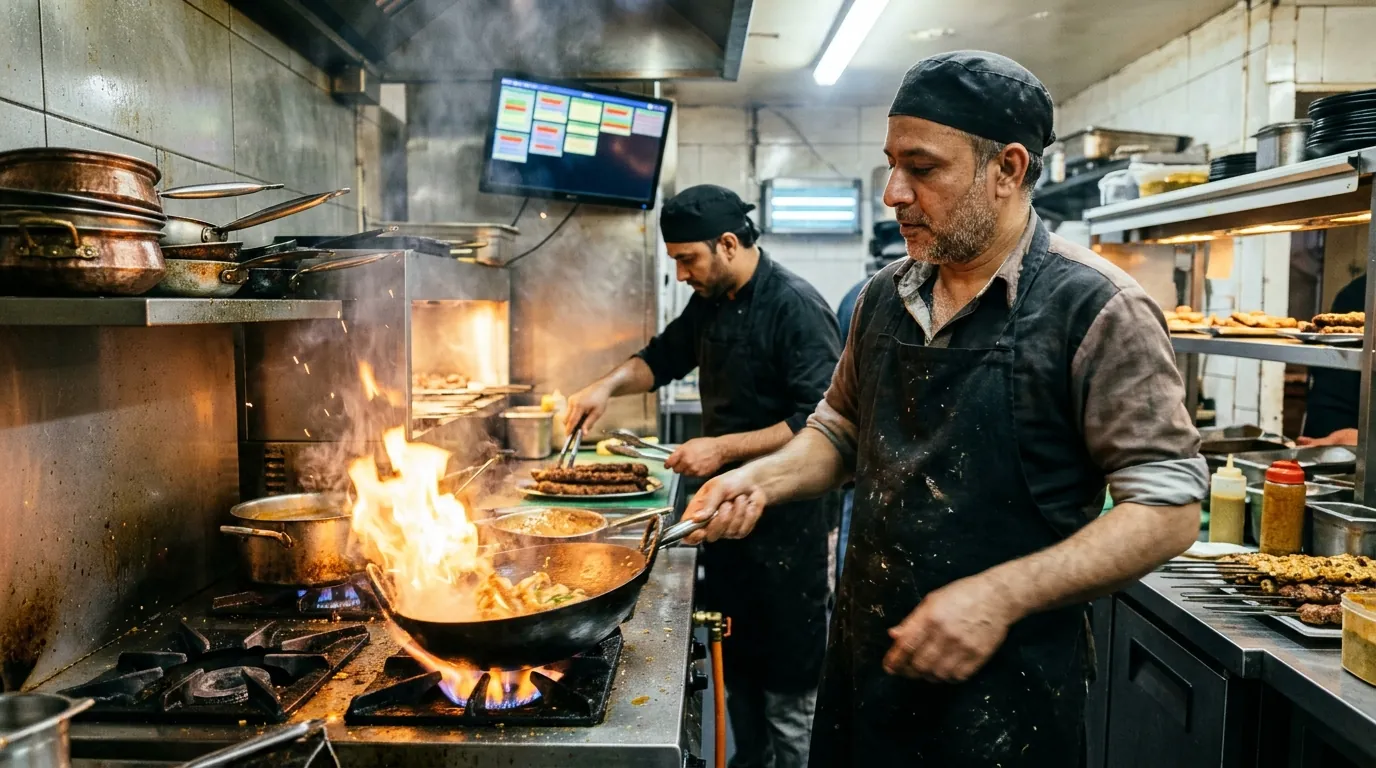
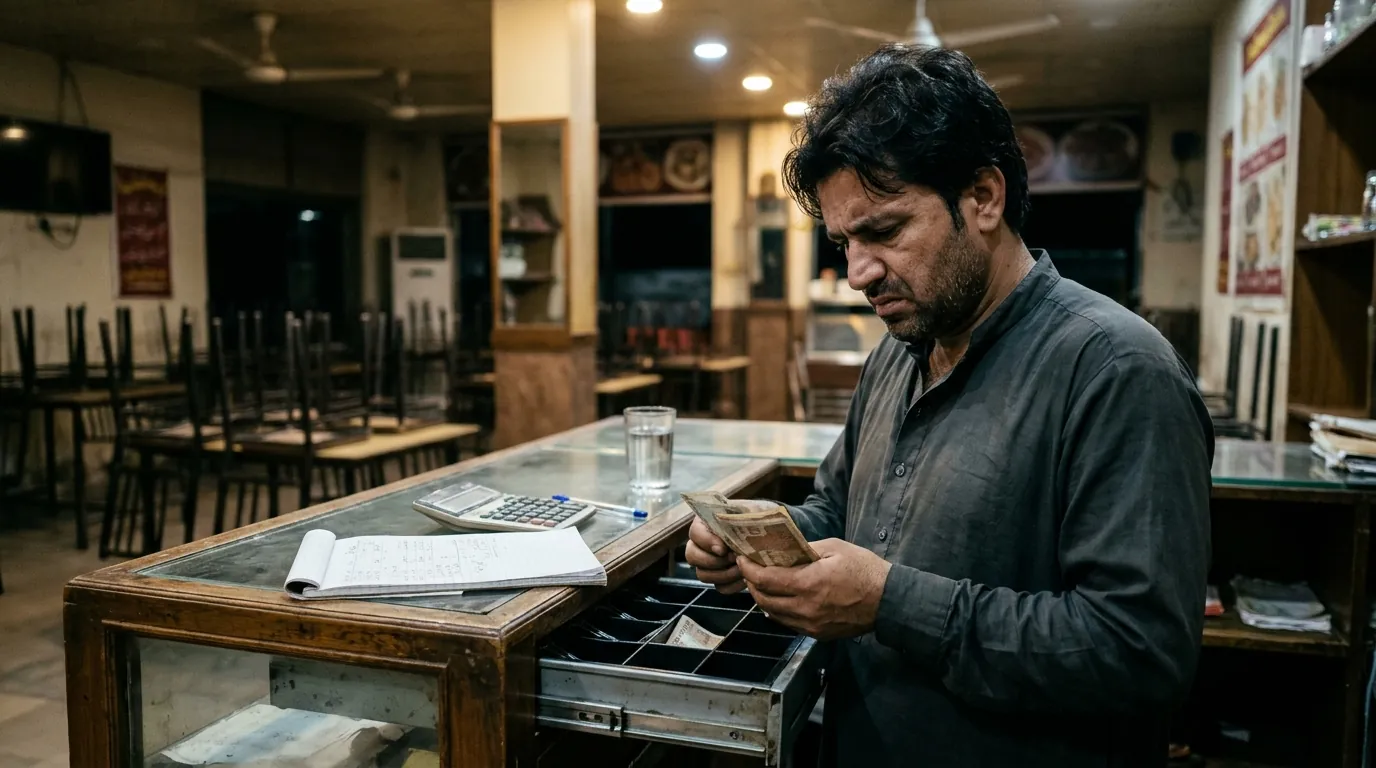
Billing keeps going, even in the dark.
The real Morslo
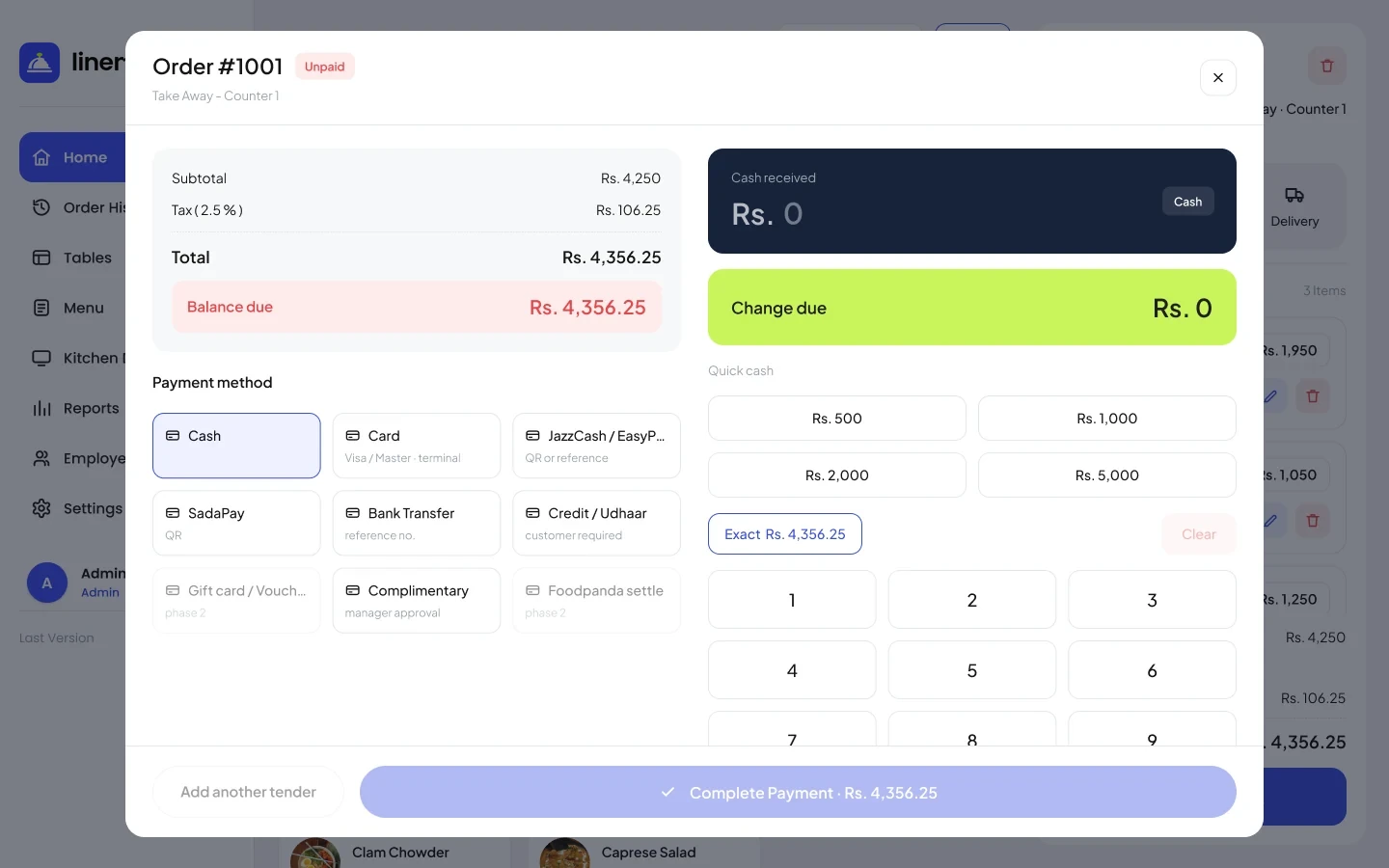
No mock-ups. These are real Morslo screens: tap the menu, take cash, card, JazzCash or SadaPay, and print.
Front counter · Billing & FBR
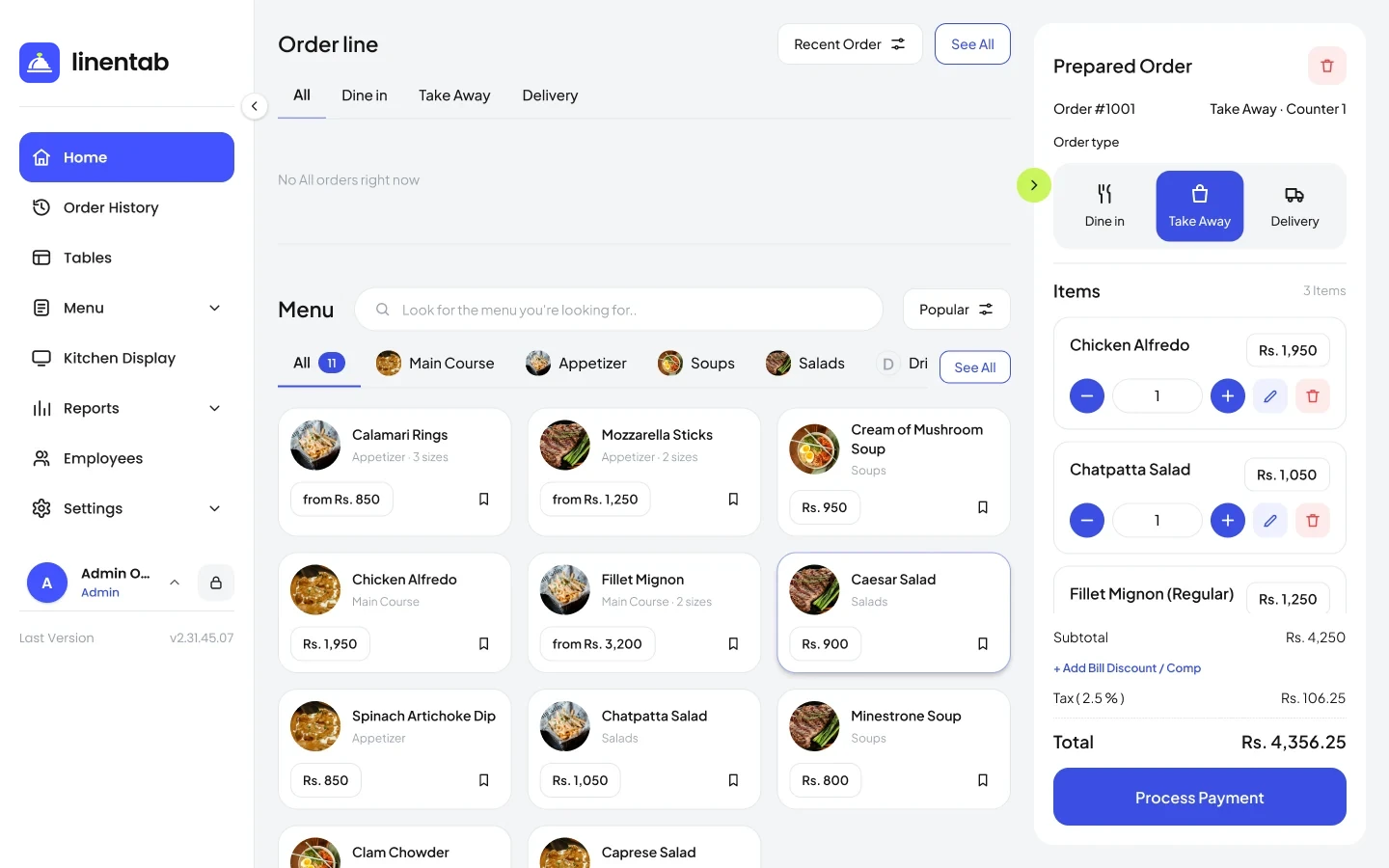
Tap, print, done. Every receipt carries a valid FBR invoice number and QR.
Split by item or by guest, apply a deal or a % discount, and the tax recalculates on its own.
Take part in cash and the rest by card or JazzCash. The daily sales report shows each payment method separately.
Voids, refunds and reprints ask for a manager PIN, so every one of them has a name next to it.
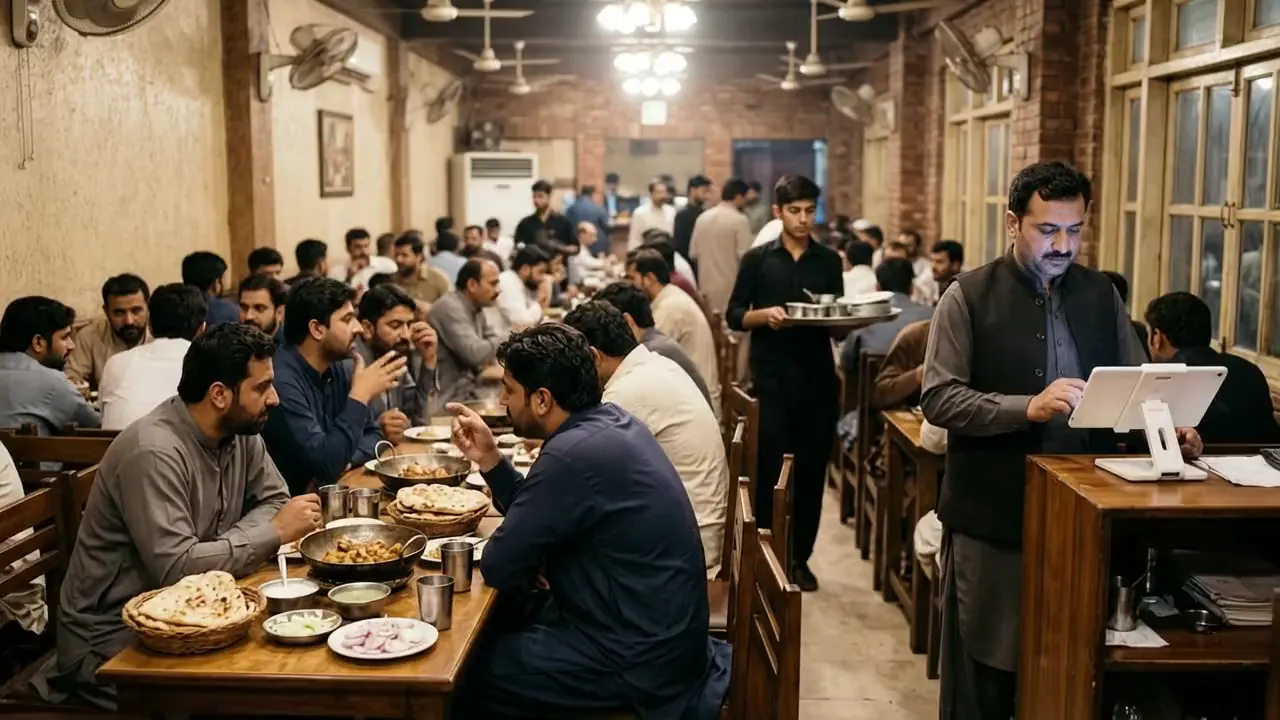
At the table · Table service
Seat the table, send the order, and the kitchen sees it the moment it is sent.
Draw each hall and the rooftop. See which tables are free, occupied, reserved or being cleaned.
Each size of a dish has its own price, and the KOT prints exactly what was ordered.
Only the table’s own waiter takes its orders. Pay the bill in cash, card and JazzCash together.
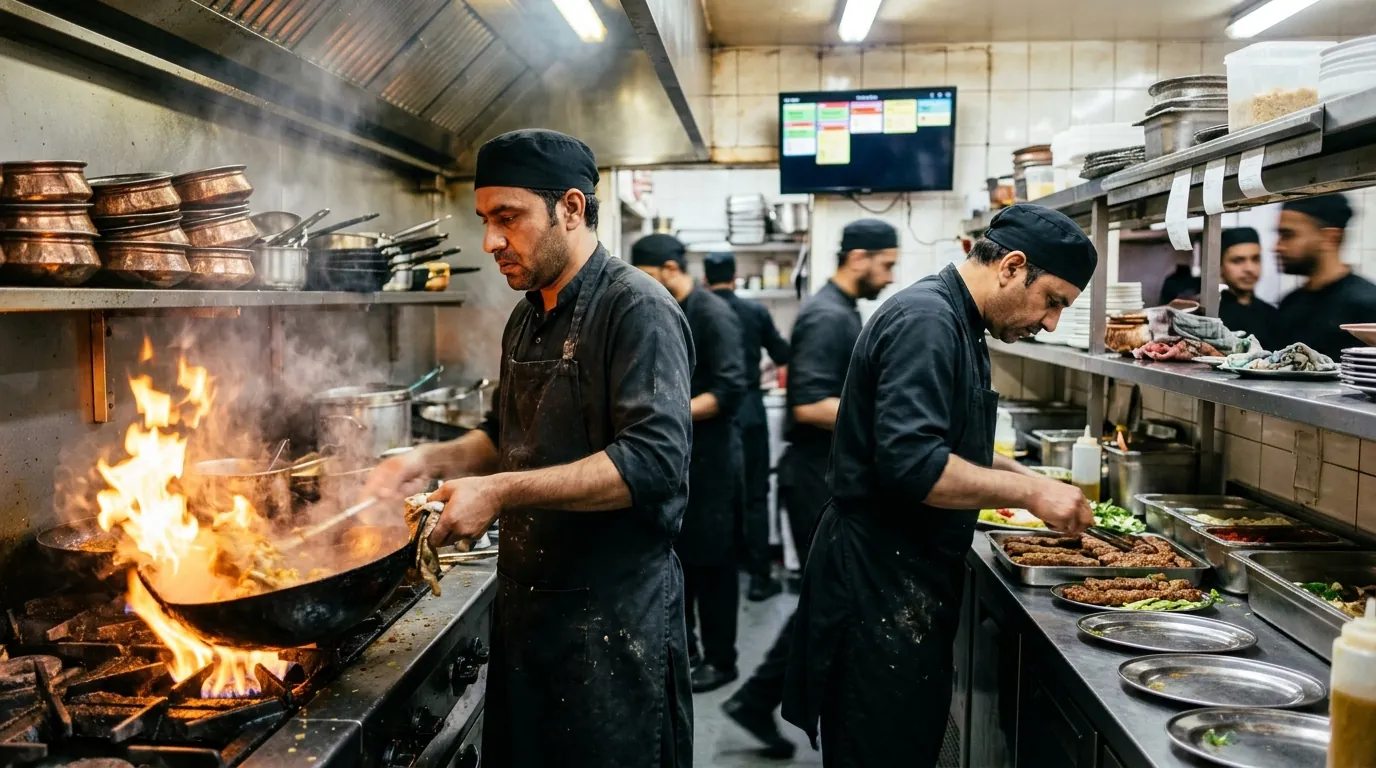
Kitchen · Kitchen display
Tickets by station, with a timer that turns red when food runs late.
Store room · Inventory
Every karahi sold takes its chicken, oil and masala off the shelf.
Set the recipe once. Every plate sold takes its grams of chicken, oil and masala off stock.
Every till shows an alert when an item drops to its level. Purchase orders come later with Advanced inventory.
Coming soon. See what each dish costs to make today and how much of its price you keep.
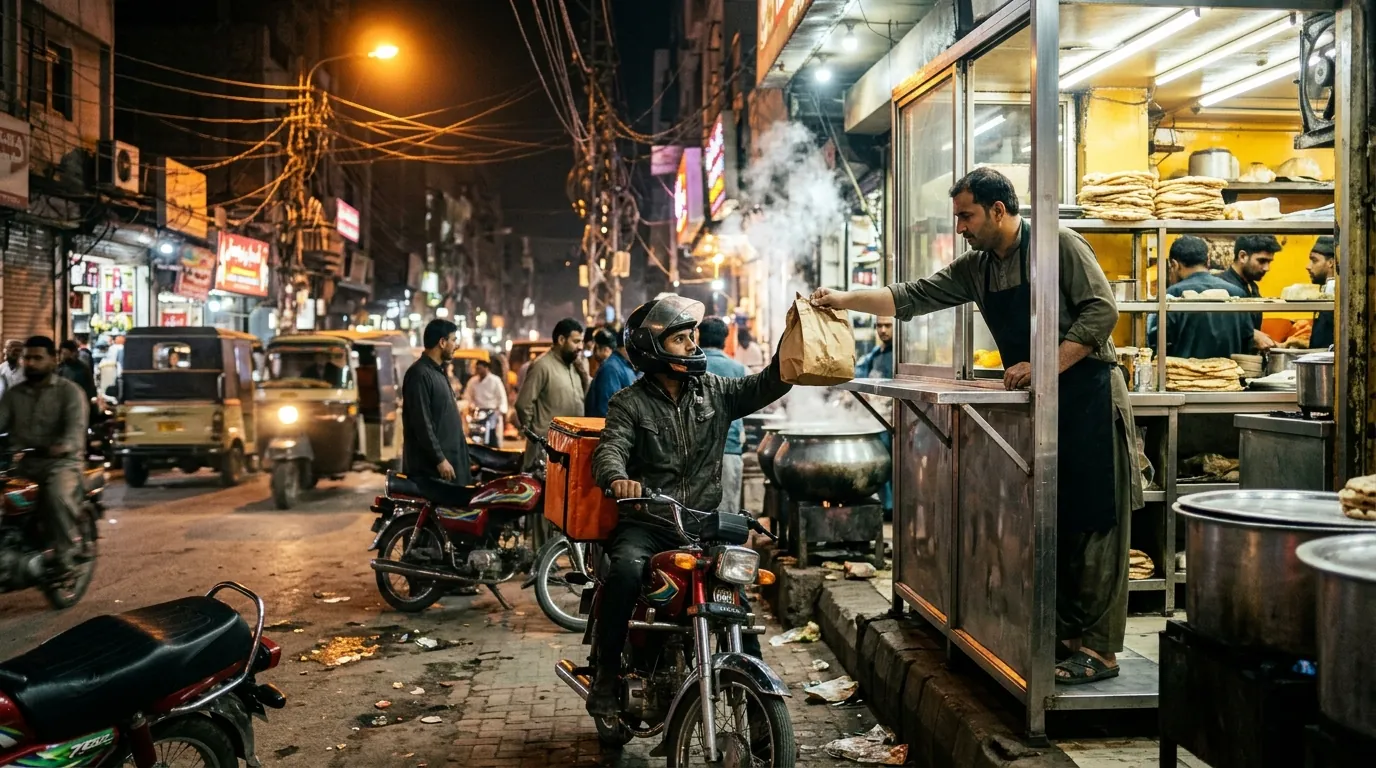
Delivery window · Online orders
Orders from your link or QR chime on the till. Customers get WhatsApp updates.
A link and QR code with your menu and prices. Share it on WhatsApp, Instagram or on the table.
Customers pay online with JazzCash or Safepay, or choose cash when the rider arrives.
Customers get a WhatsApp message when you accept the order and when it's ready.
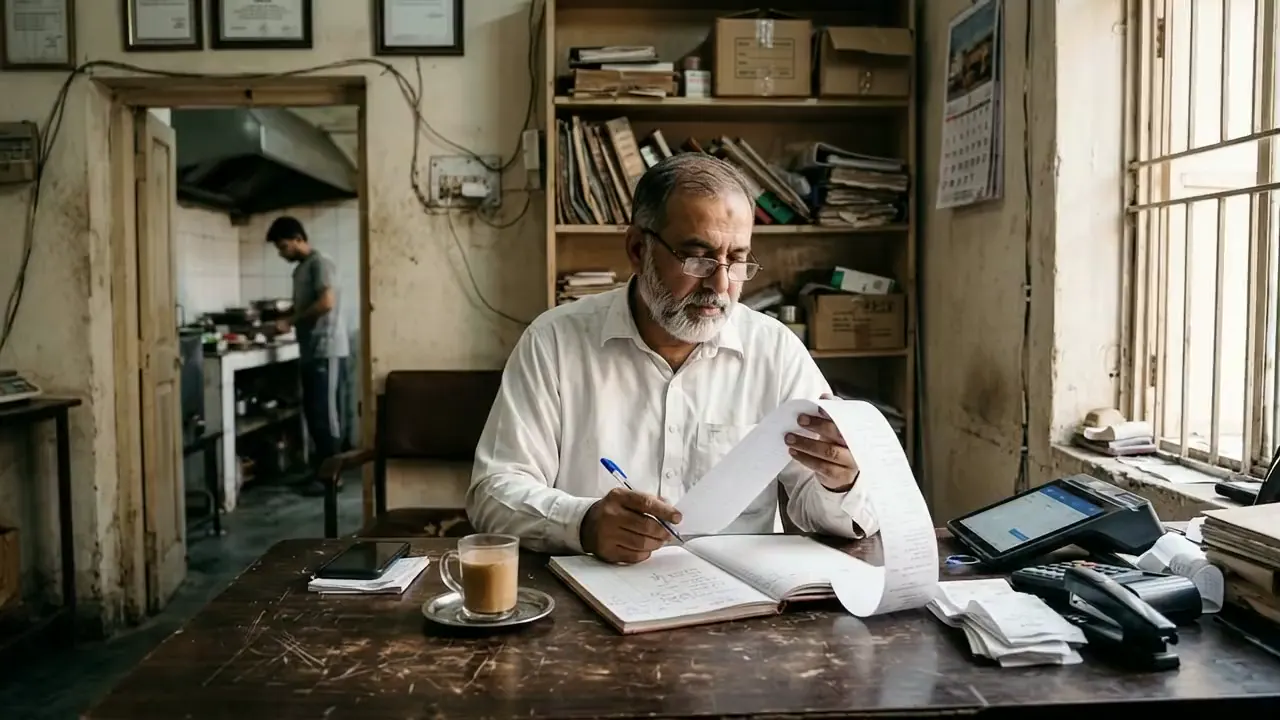
Back office · Reports
Daily sales, the cash count and the Z-report, the same night.
Gross and net sales, tax, discounts and refunds, by dine-in, takeaway and delivery and by cash, card or wallet.
Count the drawer at closing. Morslo shows expected cash and the difference, then prints the Z-report.
Who opened and closed the register, and a reason for every discount. Over 10% needs a manager.
Built for Pakistan
Morslo keeps every till, printer and kitchen screen working on the local network. When the connection comes back, everything syncs to the cloud and FBR on its own.
The till switches to offline mode by itself. Staff don't have to do anything.
Kitchen screens and printers keep getting orders over the restaurant's own Wi-Fi.
Sales, stock and FBR invoices catch up in the background. Nothing is lost.
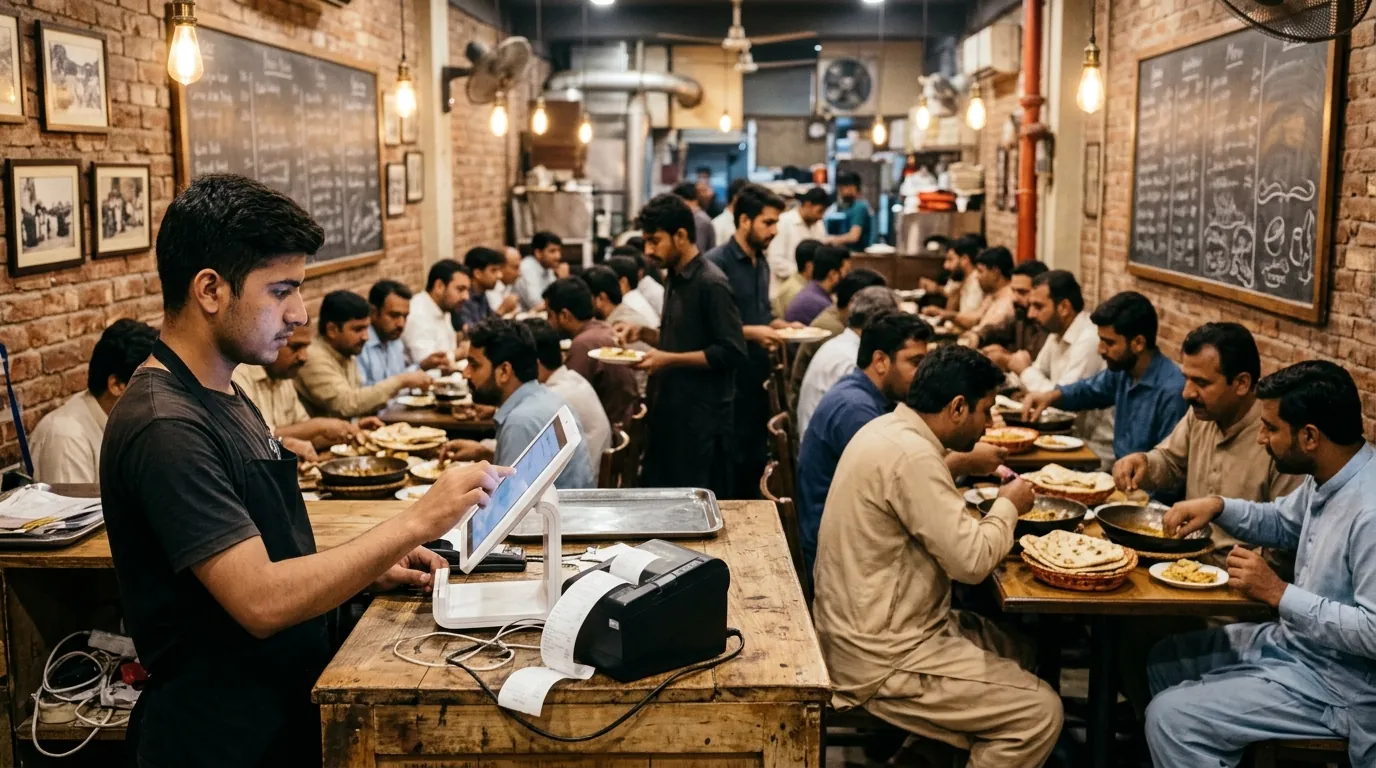
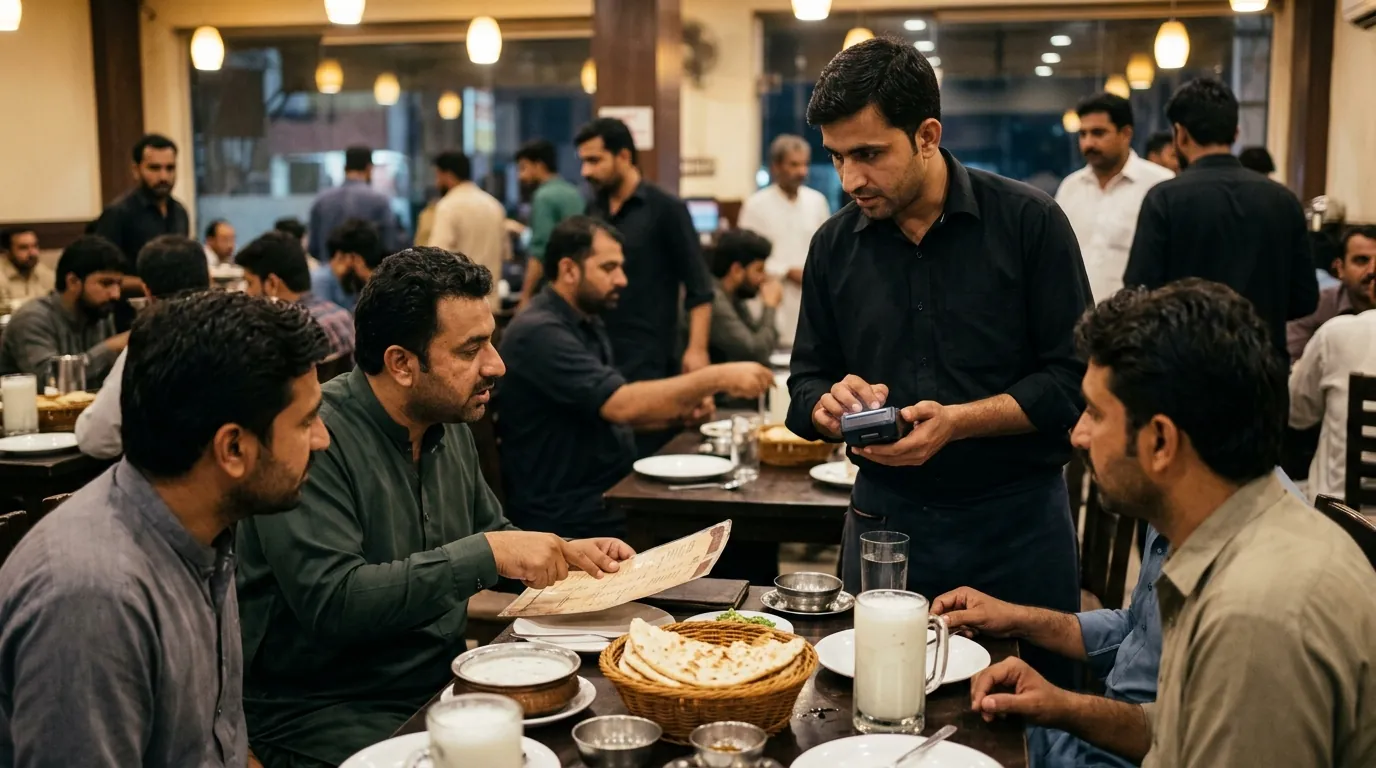
Half and full portions, tables by hall, table-wise bills and quick parcel orders, all on one screen your staff learns in a day.
Pricing
No setup fee, cancel anytime. FBR integration and offline mode come with every plan.
See full pricing, calculator & hardware →Ask for a quote
One café or takeaway counter.
Ask for a quote
Busy dine-in restaurants.
Ask for a quote
Chains and franchises.
FAQ
Yes. Every sale is reported to FBR in real time, with a valid invoice number and QR code printed on the receipt.
Yes. The Morslo till keeps taking orders, printing KOTs and receipts and taking payments, then syncs sales and FBR invoices when the internet is back. Online orders and the kitchen screen need a connection.
A Windows PC, laptop or tablet for the till and an 80 mm thermal receipt printer. A cash drawer, kitchen printer and kitchen screen are optional. We help you choose and set them up.
Plans are billed monthly in rupees with no setup fee. Book a demo and we'll quote for your number of tills and branches.
Not yet. Today each branch runs as its own restaurant on Morslo, with its own reports. Central menus and branch-wise reports for chains are coming next.
Yes. You get your own ordering link and QR menu. Online orders arrive on the till, and customers get WhatsApp updates.
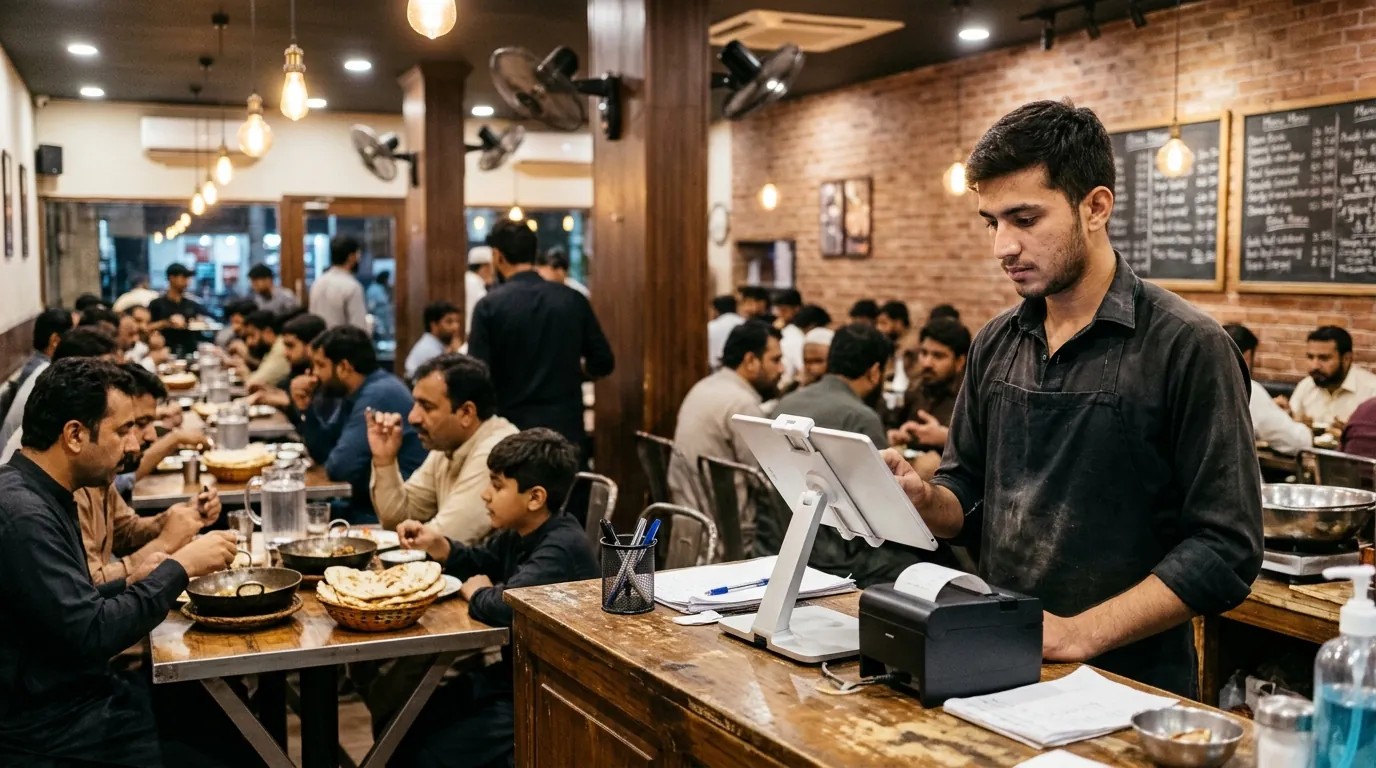
See it running
Book a free 20-minute demo. We'll load your own menu, so you see your restaurant, not a sample.